How Is Robotic Process Automation Changing Remote Work Tech and Digital Rights in 2026?
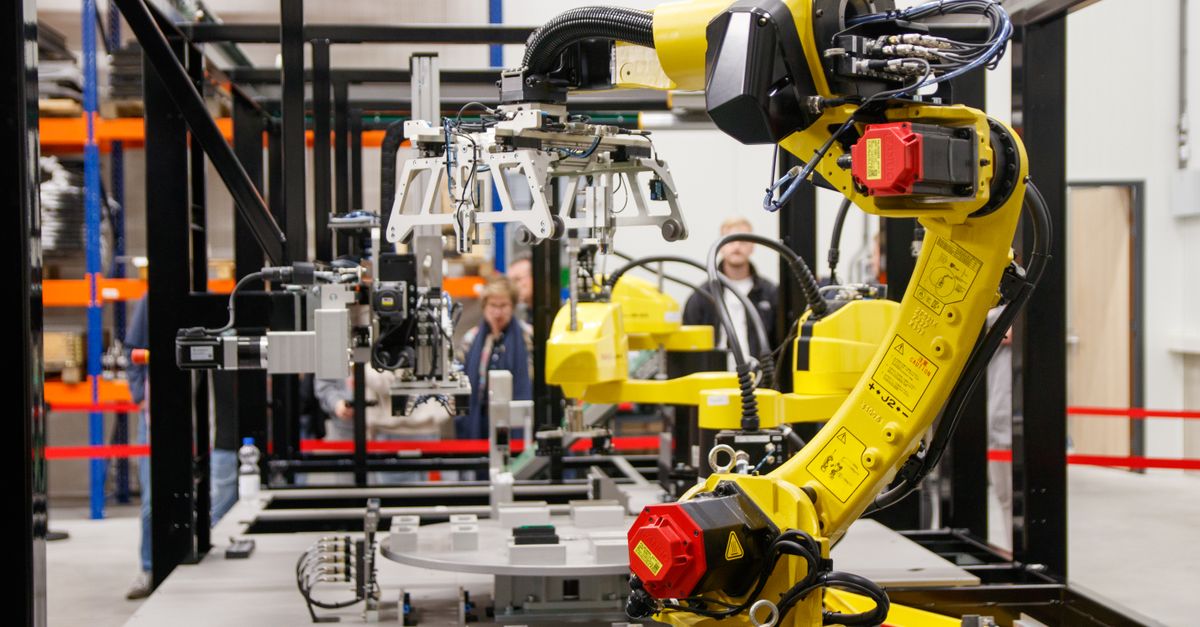
Remote work tech has evolved beyond video calls into AI‑driven ecosystems. In this shift, robotic process automation (RPA) is reshaping productivity, freeing creativity, and redefining data privacy and digital rights. This article explains RPA mechanics in distributed teams, highlights key digital‑rights concerns, surveys 2026 tech news, and offers a practical guide.
Understanding Robotic Process Automation (RPA) in Remote Work Tech
Robotic process automation lets software bots replicate human interactions—clicking buttons, entering data, or extracting screen information. In a remote environment, RPA can run from the cloud, enabling every team member to use identical workflows without heavy local installs. Typical uses include invoice processing, employee onboarding, support ticket triage, and real‑time KPI dashboards.
Core Concepts of RPA for Distributed Teams
1. Low‑Code/No‑Code Development: Drag‑and‑drop actions eliminate the need for deep coding expertise.
2. Event‑Driven Triggers: Bots start on schedule, file arrival, or API call—ideal for asynchronous flows.
3. Centralized Governance: Cloud dashboards give audit trails and user permissions across locations.
4. Scalable Architecture: Containerized bots scale horizontally to match peak remote hours.
The visual designers in many suites include pre‑built connectors for SaaS products (e.g., Salesforce, Workday) and a real‑time debugging console that shows each action step by step. This low barrier encourages non‑technical leads to prototype quickly.
Key Benefits for Remote Work Environments
RPA reduces manual data entry errors, speeds up repetitive reporting, and lets distributed teams focus on high‑value tasks rather than copy‑paste work.
- Time savings of 30–50% per employee for routine processes.
- Consistent output across time zones.
- Lower IT overhead—bots replace legacy batch jobs that required onsite maintenance.
- Improved compliance visibility through automated audit logs.
Beyond quantitative gains, RPA boosts job satisfaction. Employees freed from mundane tasks can invest energy in strategic initiatives such as data analysis or product innovation, creating a unified rhythm for deliverables across regions and schedules.
Digital Rights Considerations with RPA Deployment
Automation improves efficiency but raises data ownership, privacy, and user consent questions. Remote workers often handle sensitive documents on personal devices or public networks, amplifying risk if bots are not properly secured.
Privacy and Data Protection Regulations
The EU’s GDPR and California’s CCPA impose strict rules for data handling. In a remote setting, RPA must:
- Encrypt data in transit and at rest.
- Apply granular least‑privilege access controls.
- Log every bot action with timestamp and user ID.
- Provide audit trails for third‑party compliance reviews.
Other jurisdictions—Brazil’s LGPD, Singapore’s PDPA—have similar requirements. Ignoring these nuances can expose organizations to fines ranging from 4% of global revenue to millions in penalties.
Compliance Checklist for Remote Workers
The first step is a data inventory—identifying what information each bot accesses and ensuring alignment with legal requirements.
- Identify Data Types: Personal identifiers, financial records, intellectual property.
- Map Bot Workflows: Document input, output, and storage locations.
- Implement Role‑Based Access Controls (RBAC): Only authorized users can trigger or modify bots.
- Schedule Regular Audits: Verify logs against policy compliance.
A robust posture also requires a vendor risk assessment. When choosing an RPA provider, verify ISO/IEC 27001 compliance and recent penetration testing. Establish an incident response plan for bot failures—detailing notification, data preservation, and rollback procedures.
Emerging Trends in 2026: Breaking Tech News on RPA & Remote Work
The past year has blended AI with RPA, making bots smarter and more context‑aware. These breakthroughs influence productivity tools and digital‑rights frameworks alike.
AI‑Driven RPA Platforms
New platforms use natural language processing (NLP) to interpret unstructured data—emails, PDFs, chat logs—and act accordingly. Key players include UiPath’s “Intelligent Automation” suite and Automation Anywhere’s “Robotic Process Automation Plus.”
Integration with Collaboration Tools
Remote teams rely on Slack, Microsoft Teams, and Asana. RPA bots now integrate natively:
- Slack Bots: Auto‑post status updates after task completion.
- Teams Connectors: Trigger data pulls when a channel mentions a keyword.
- Asana Automation: Move tasks between boards based on bot output.
This integration eliminates context switching and keeps workers in one interface. For example, a bot can monitor a shared spreadsheet for new leads and immediately create Asana tickets, ensuring no opportunity slips through the cracks.
Low‑Code and Hyperautomation
Hyperautomation combines RPA, AI, machine learning, and BPM tools into an orchestration layer. Low‑code platforms let domain experts design end‑to‑end flows that span multiple systems without writing code. These solutions auto‑generate documentation and test cases, reducing deployment risk.
RPA in Cybersecurity
Security teams use RPA to automate threat‑response tasks—log analysis, password rotation, vulnerability scanning—by integrating with SIEM platforms. Bots can trigger alerts, isolate endpoints, or initiate patch deployments without manual intervention.
Regulatory Landscape 2026
Regions updated their frameworks to address automation. The EU’s “Digital Services Act” imposes transparency logs and human review checkpoints for automated decision systems. In the U.S., the proposed “AI Accountability Act” requires disclosure of AI components within RPA that influence outcomes.
Practical Implementation Guide
If you’re ready to bring RPA into your remote workflow, follow this structured approach. Each step includes cost considerations and expected ROI.
Step‑by‑Step Deployment for a Remote Team
- Define Scope: Identify 5–10 repetitive processes that consume >2 hours per week.
- Select Platform: Choose cloud‑native RPA (e.g., UiPath Cloud) or on‑premises if data residency matters.
- Create Pilot Bot: Automate a simple task—like generating weekly sales reports.
- Test in Sandbox: Run the bot on test accounts, verify outputs, and capture logs.
- Rollout to Production: Deploy across all remote users with role‑based permissions.
- Monitor & Optimize: Use dashboards to track execution time, error rates, and user feedback.
During the pilot, involve a small group of power users for immediate feedback. Their insights help fine‑tune exception handling and improve resilience against real‑world data variations.
Cost Estimation and ROI
- License Fees: $3 × number of bots × 12 months = $36 per bot/year (example).
- Training Time: 8 hours per user at $75/hour = $600 per user.
- Implementation Labor: 40 hours at $100/hour = $4,000 total.
- Annual Savings: If each bot saves 5 hours/week × 50 weeks × $75/hour = $18,750.
- ROI Calculation: (Savings – Costs) ÷ Costs ≈ 300% within the first year.
Hidden costs—ongoing support contracts, bot maintenance updates, AI add‑on licensing—can surface if governance is lax. A disciplined model that defines who can create or modify bots keeps expenses predictable.
Common Mistakes to Avoid
Automation is powerful but can backfire when mismanaged. Below are pitfalls remote teams frequently encounter.
Over‑automation Pitfalls
- Automating Complex Decisions: Bots should handle routine tasks, not nuanced judgments—leading to errors.
- Lack of Human Oversight: Without checkpoints, bots can propagate mistakes across the system.
- Insufficient Testing: Skipping sandbox environments risks data corruption or downtime.
Neglecting Digital Rights Safeguards
- Weak Encryption: Bots that transmit data without TLS expose sensitive information.
- No Audit Trail: Inability to trace bot actions hampers compliance investigations.
- Over‑privileged Accounts: Granting admins access to all bots increases breach risk.
A common oversight is version control. Bots that evolve without a formal change‑management process can introduce regressions that only surface in live operations.
FAQ: Quick Answers to Typical Questions
How do I secure RPA bots in a remote environment?
Use multi‑factor authentication for bot accounts, enforce least privilege, and enable end‑to‑end encryption. Regularly rotate secrets via a vault solution.
Can RPA replace all my data entry tasks?
No. Bots excel at structured inputs but struggle with ambiguous or unstructured data without AI augmentation.
What happens if a bot fails during a critical process?
Set up error‑handling routines that notify a human operator and roll back changes to maintain data integrity.
How do I measure the success of an RPA initiative?
Key performance indicators include cycle time reduction, error rate decline, cost savings per employee, and user adoption metrics. Tracking these over time provides evidence for scaling or refining automation portfolios.
Ask a practical question that invites useful discussion.